Targeting & triggers
Decide where the campaign appears, the moment it opens and how often a visitor sees it.
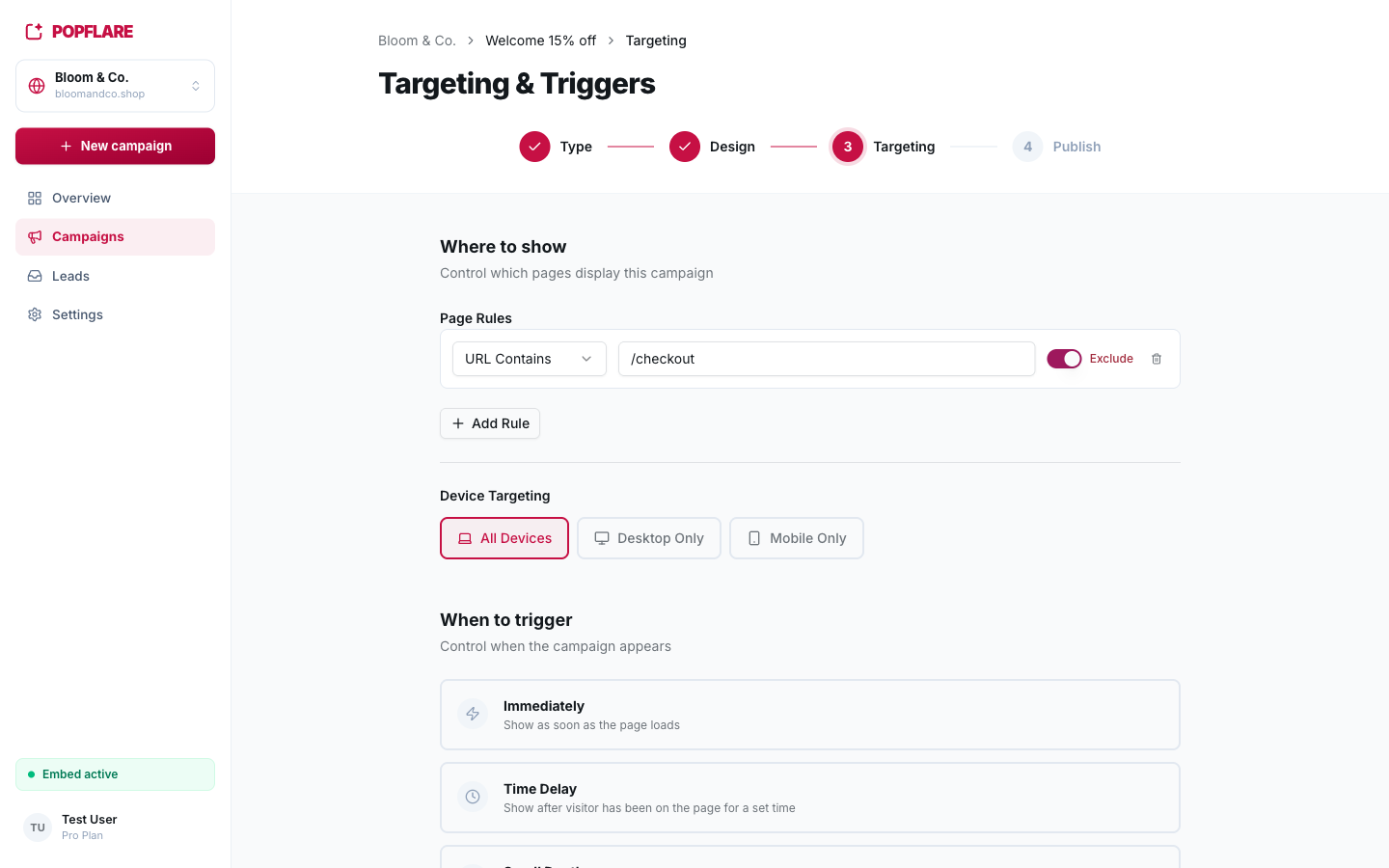
Where to show: page rules
Without rules, the campaign runs on every page where the embed is installed. Add rules to narrow it down:
| Match type | Example | Matches |
|---|---|---|
| URL Contains | /blog | any URL containing /blog |
| URL Starts With | /shop/ | every page of the shop section |
| Exact URL | https://bloomandco.shop/ | that page only |
| Regex | ^https?://([^/]*\.)?bloomandco\.de/ | advanced patterns, for example a whole domain |
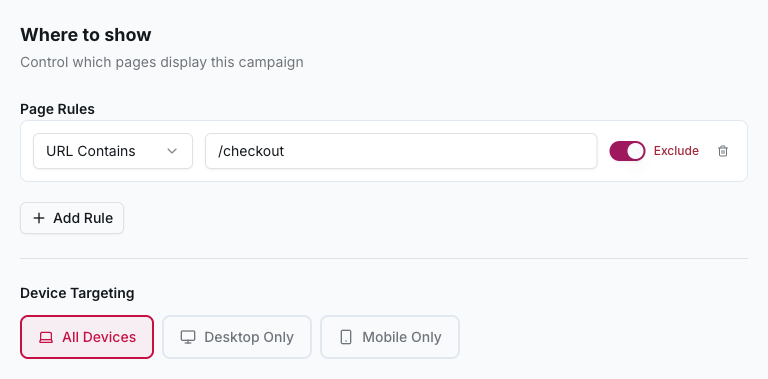
Turn on Exclude to make a rule block pages instead, for example never showing an offer on
/checkout. Exclusions always win over inclusions.
Tip
Running the same site in several countries? Use a rule per domain so each language campaign only shows on its own domain. See Domains & multi-language.
Device targeting
Show the campaign on all devices, desktop only or mobile only. Exit intent, for example, is a desktop behaviour.
When to trigger
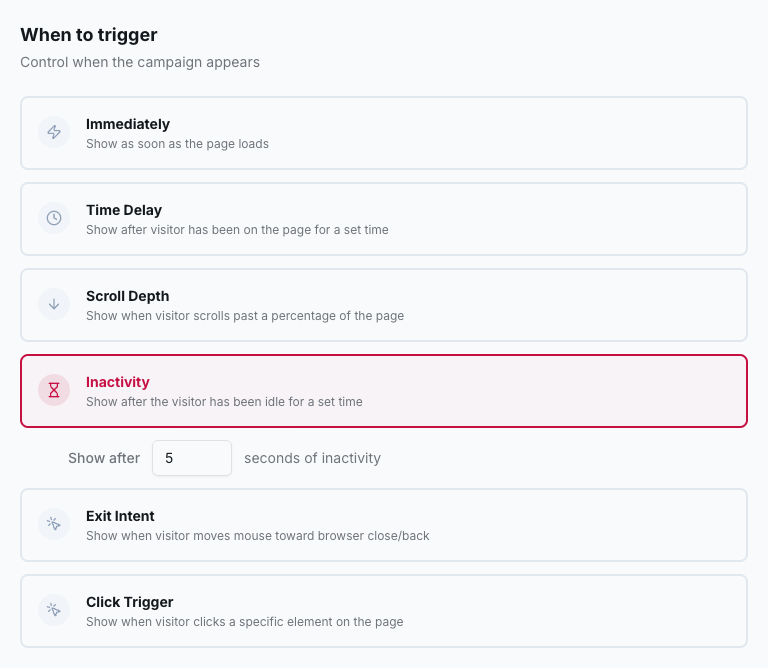
| Trigger | Opens the campaign… | Good for |
|---|---|---|
| Immediately | as soon as the page loads | sticky bars, announcements |
| Time Delay | after N seconds on the page | welcome offers |
| Scroll Depth | when the visitor scrolls past a percentage of the page | blog and content pages |
| Inactivity | after N seconds without mouse, keyboard, scroll or touch activity | re-engaging hesitant visitors |
| Exit Intent | when the mouse leaves the page towards the browser bar or tabs | last-chance offers, cart recovery |
| Click Trigger | when the visitor clicks an element of your page (CSS selector) | "Get the guide" links, custom buttons |
How often to show
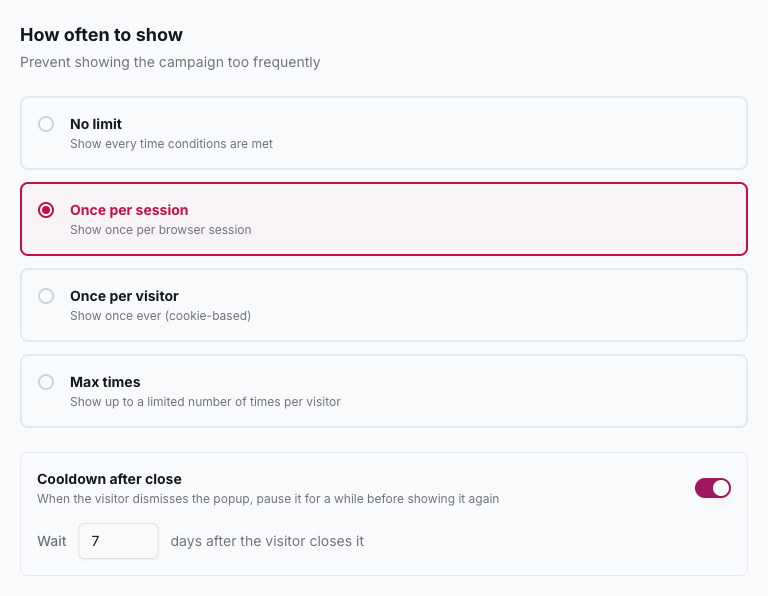
- No limit: every time the conditions are met.
- Once per session: once per browser session.
- Once per visitor: once ever for that visitor.
- Max times: up to N times per visitor.
- Cooldown after close: when a visitor dismisses the popup, pause it for N days. It works together with any of the options above.
What counts as a conversion
The goal decides what the conversion rate and the A/B test are measured on: a lead submission, or a click or step reached. It is explained in Goals & A/B testing.
Scheduling
Start and end dates are set in the Publish step with the Schedule option: the campaign goes live and stops by itself, which is perfect for Black Friday or seasonal promotions.